
Description
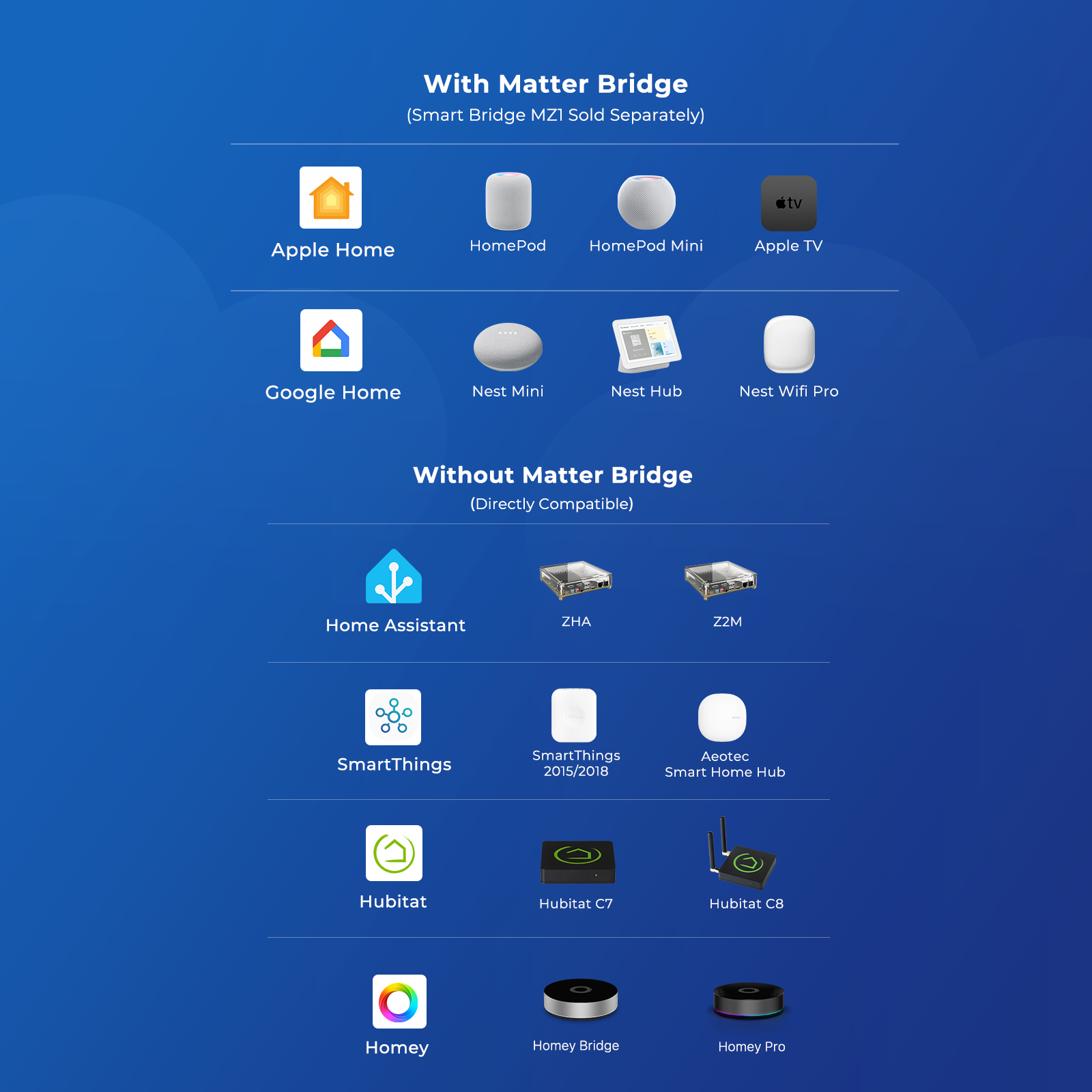
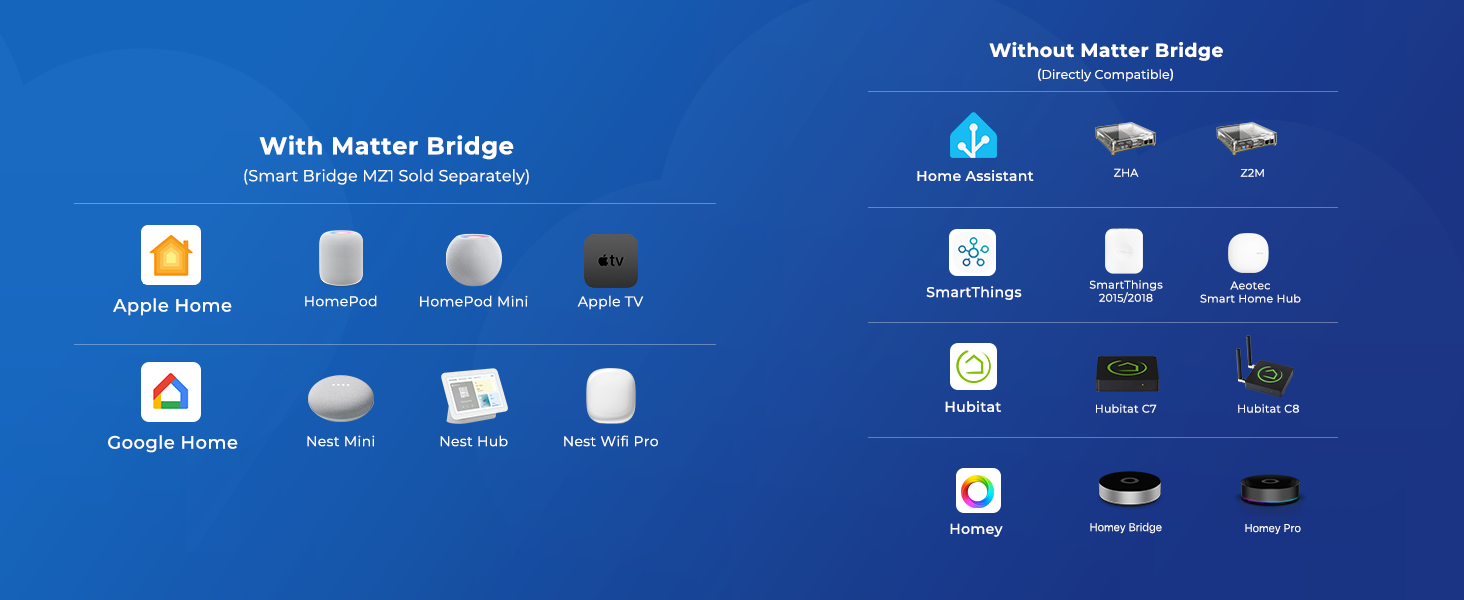
- Zigbee 3.0 Standard: A Zigbee Hub is required. Compatible with compatible Zigbee hubs or Echo devices with Zigbee hub built-in, such as Echo (4th Gen), Echo Plus (1st Gen and 2nd Gen), Echo Studio, Echo Show 8 3rd Gen, Echo Show 10(2nd Gen and 3rd Gen), Echo Hub, Eero 6, Eero Pro 6, Home Assistant, SmartThings 2015/2018, Aeote, Hubitat, Homey Bridge, Homey Pro and Third reality Hub Gen2 Plus.
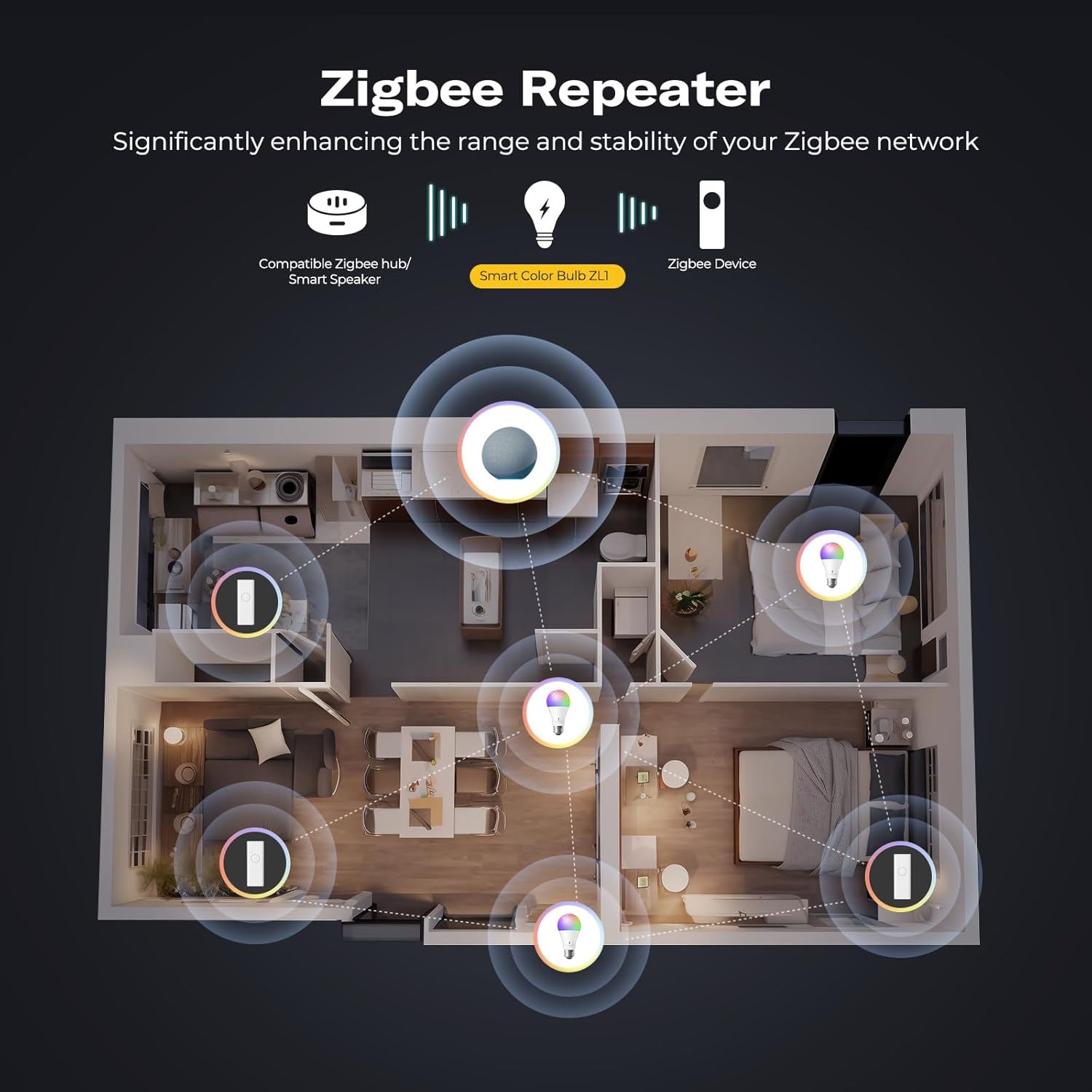
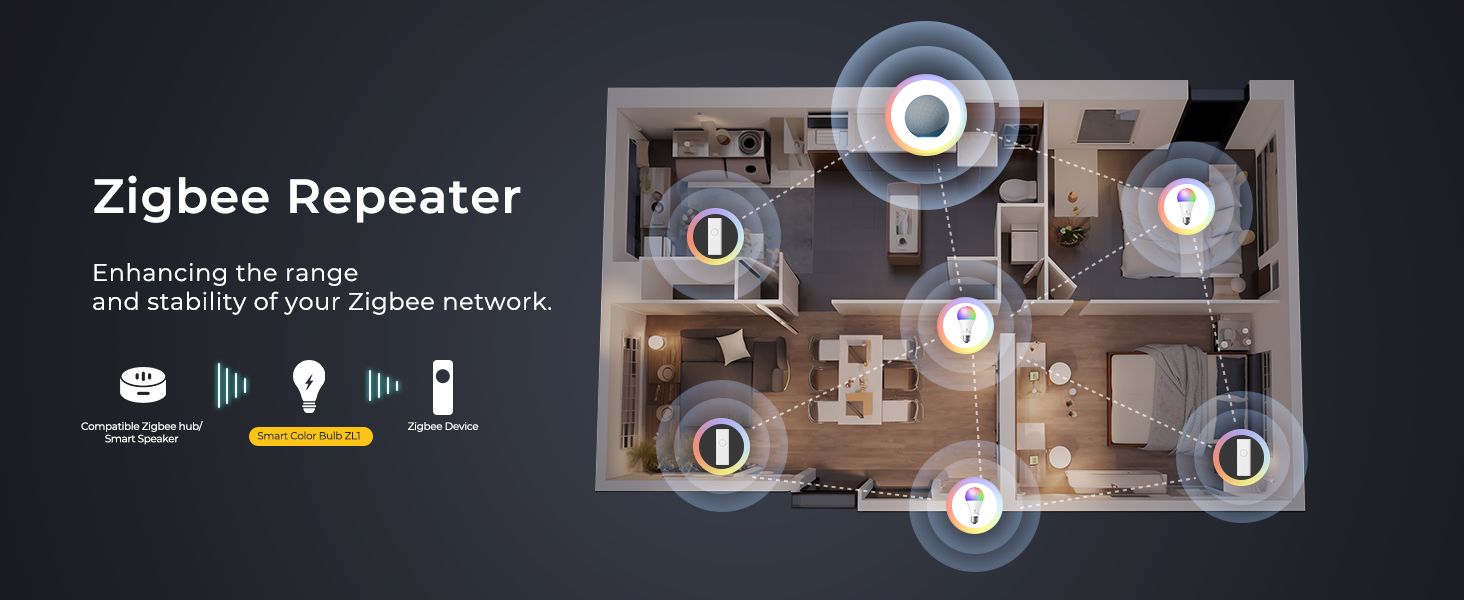
- Zigbee Repeater: THIRDREALIT Smart Color Bulb also functions as a Zigbee repeater, significantly enhancing the range and stability of your Zigbee network. By repeating the Zigbee signal, it helps to eliminate dead spots in your home, ensuring that all your smart devices remain connected even in larger spaces. This dual functionality makes the night light a crucial component in maintaining a strong and reliable smart home network.
- Energy Efficiency: Zigbee smart bulbs consume less power compared to Wifi smart lighting, helping reduce energy bills. Easy to install if you follow the instructions, Perfect for home lighting, hotels, meeting rooms, museums, restaurants, bars, cafes, holiday decorations, birthday parties, and other celebrations.
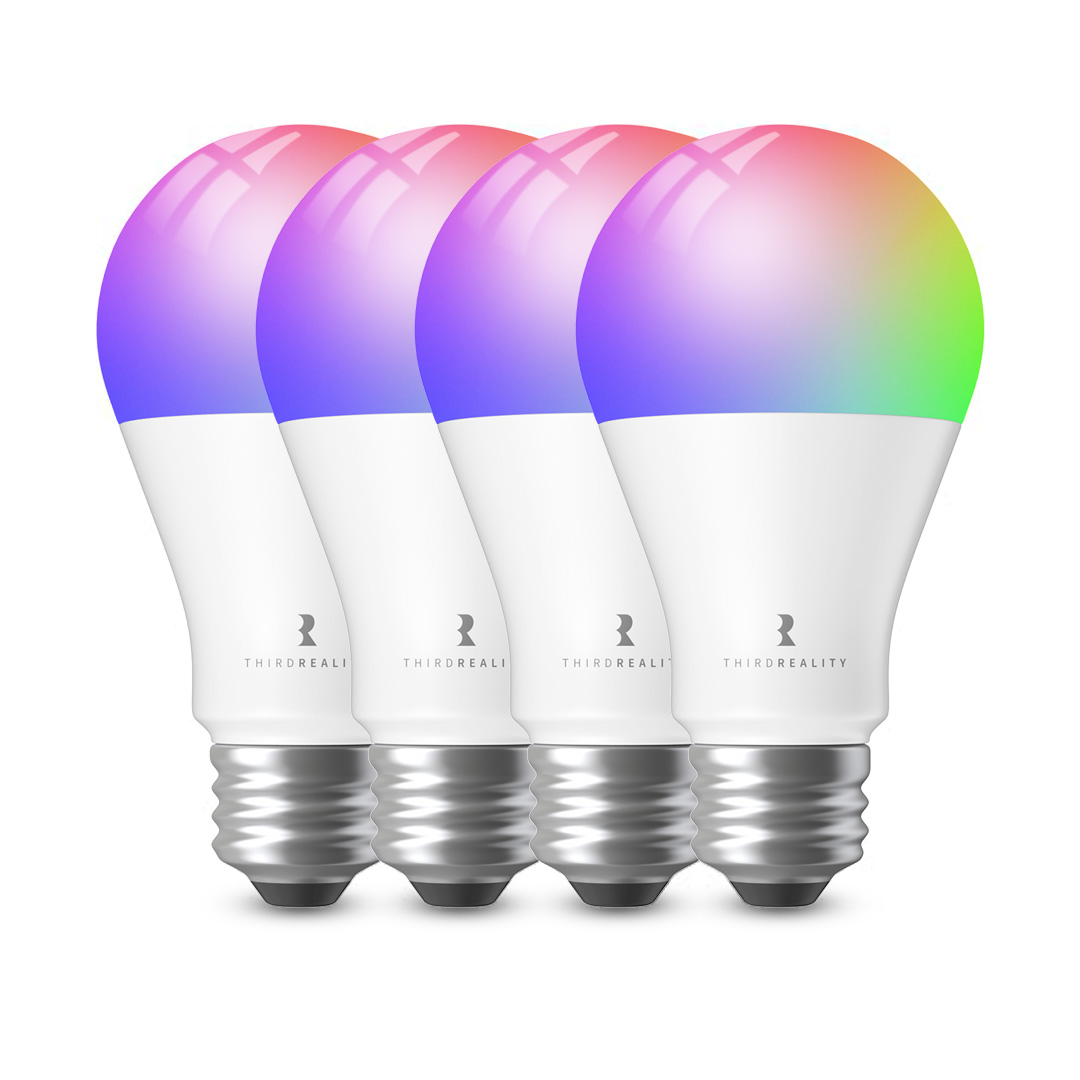
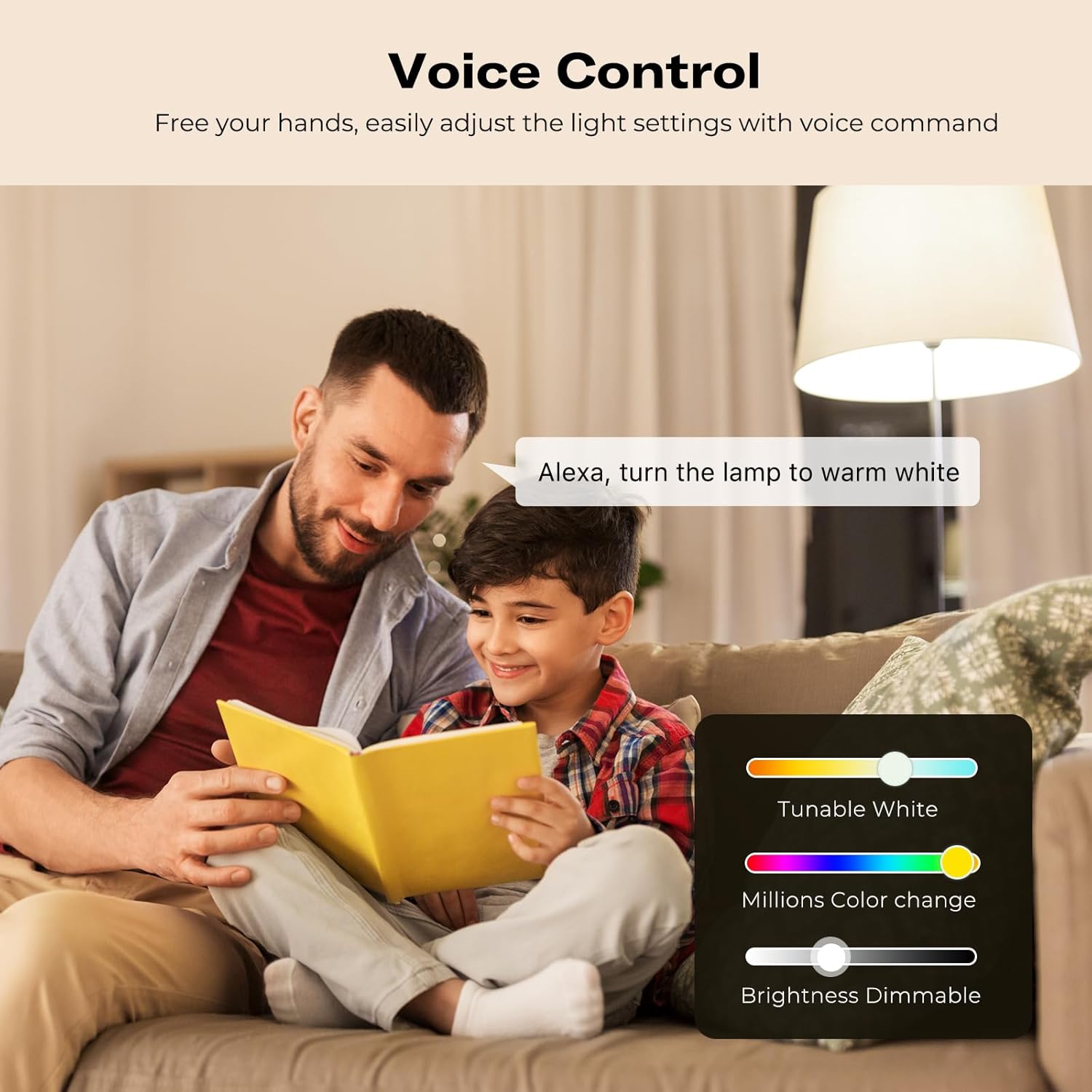
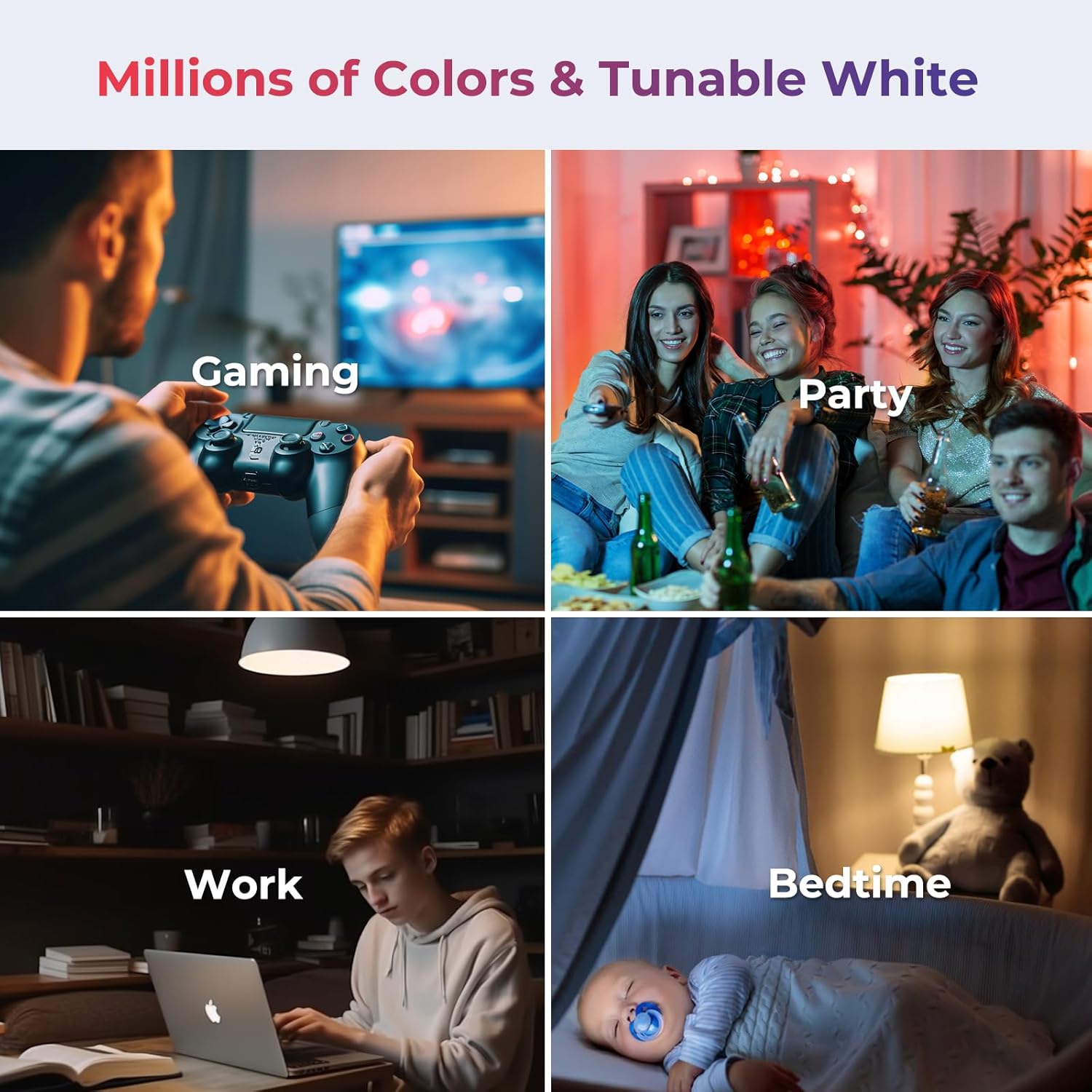
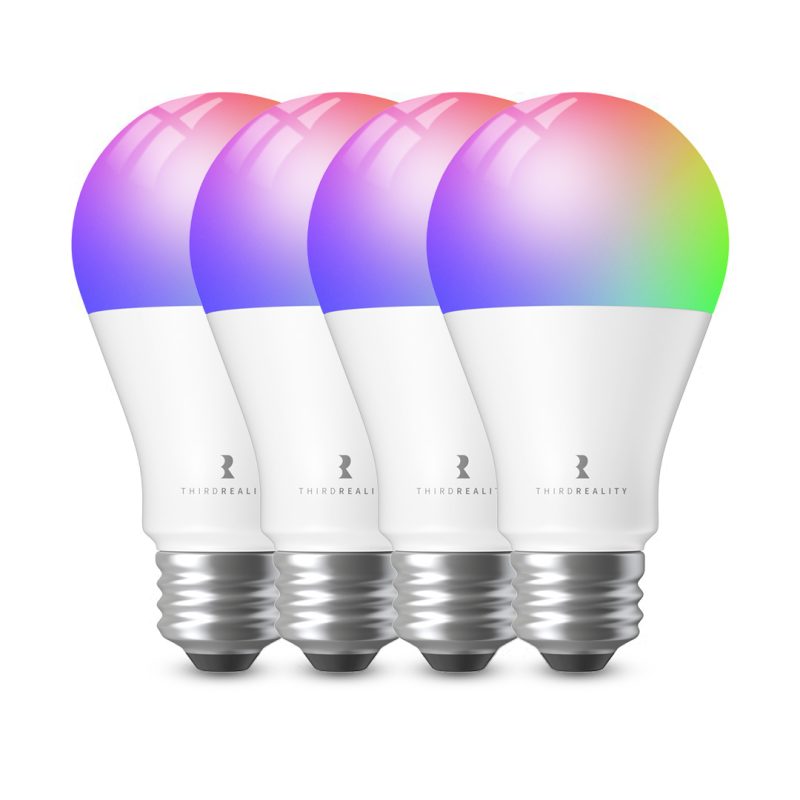
- Millions Color & Tunable White: Third Reality smart RGB bulb offers a wide spectrum of colors and adjustable brightness. You can choose from warm 2700K to cold 6500K, allowing you to customize the ambience, and adjust the brightness from 1% to 100%, make it perfect for various settings.
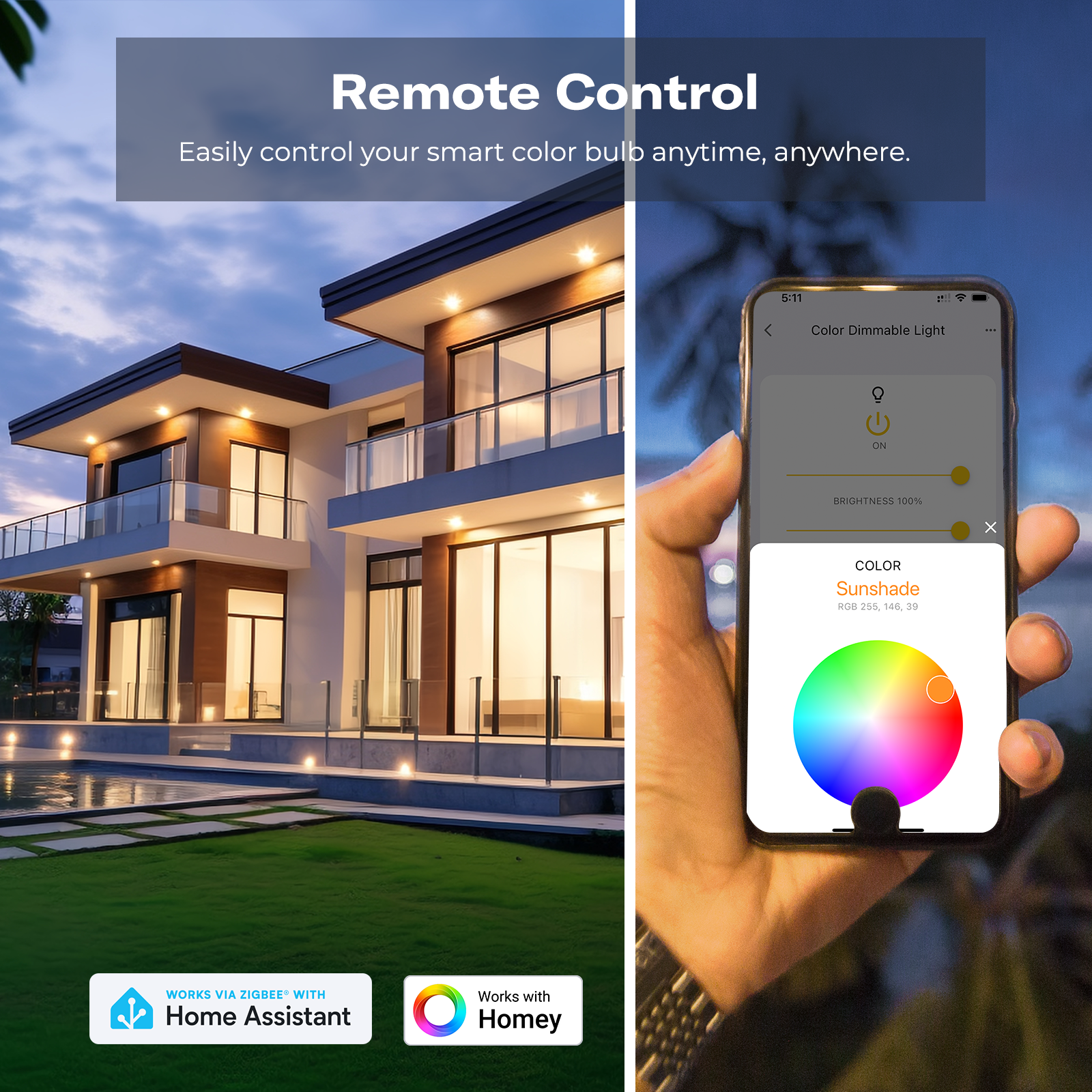
- Smart Control & Seamless Automation: Easily control your smart color bulb anytime, anywhere, without time or distance limitations. When connect with compatible Amazon Alexa Echo Devices or other ZigBee hubs that can work with Alexa or Google Home, you can free your hands, easily adjust the light settings with voice or set schedules, create automation routines, making your home truly intelligent.
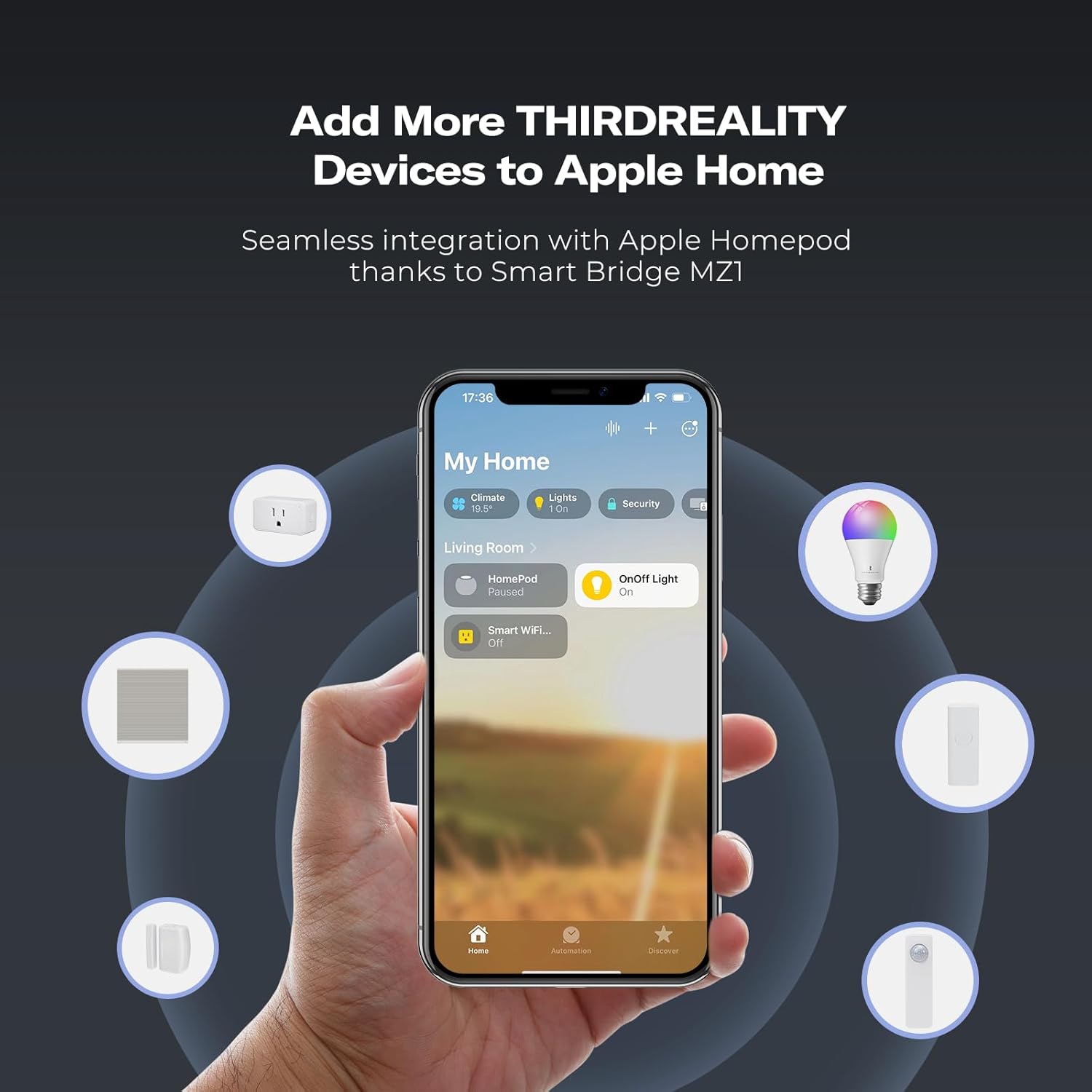
- More Smart Assistant Supported: Enabled by Smart Bridge MZ1 (Sold Separately), integrates with Apple Home, Google Home, Amazon Alexa (Smart Speaker required) and SmartThings, you can easily adjust the light settings with your voice or set schedules, create automation routines via an app. Additionally, it supports software OTA (Over-The-Air) updates, allowing for effortless firmware upgrades.
Product Description



bp328i –
I bought these on Amazon but hoping posting here will get this looked into.
So far these are great Zigbee bulbs and are now supported in the latest version of Zigbee2MQTT.
The color seems good, nice and bright and very responsive. Here’s the but, no mater what setting I use in my Home Assistant automation they will not turn on if you include brightness in the automation.
I’m trying to set them as normal white bulbs during the day and then based on motion at night turn on red at 10% brightness. I know the automation works as I’ve tried it with Hue and Yeelight bulbs with no issue.
Another thing I realized is I have the bulbs pushed through a HomeKit bridge so I can use voice commands on a HomePod.
When I tell Siri to “turn on the lamp 20 percent” it will not turn on. Then the I next time tell Siri to “turn on the lamp” it comes on at 20 percent. I have tried with different brightness and it’s the same. If I add the brightness level to the voice command it does not turn on and the next time I tell it to turn on it will be at the last brightness level I told it when it didn’t come on.
And to make things even weirder, If I tell Siri to “turn on the lamp blue”, it comes on blue (really works with any color) but if I tell Siri to “turn on the lamp 20 percent” (or any brightness level) it doesn’t work like before but now if the next time I try to turn it on I say “turn on the lamp blue” it won’t come on until I say “turn on the lamp” then it comes on and the brightness level (from 2 commands ago) and blue.
I tested saying a brightness level (doesn’t work) and then “turn on the lamp blue” (doesn’t work) then another color (doesn’t work), I tried like 4 different colors in a row and it will not come back on until I just say “turn on the lamp” then it comes on set to the last color I said. It will not turn back on after adding a brightness level unless I use the basic “turn on the lamp” command.
3reality –
The latest version of Smart Color Bulb ZL1 has solved this problem. You can try updating it.